
1. Introducing and Installing Zotero
Section outline
-
Goals
- Understanding what Zotero can be used for
- Installing Zotero
- Checking if Zotero works on the computer I’m using
- Finding information in case of issues
-
Install Zotero
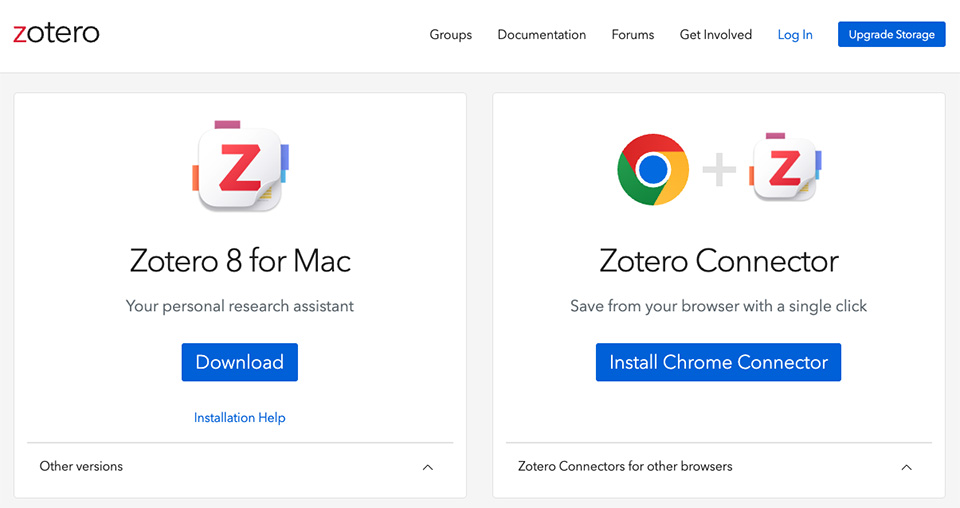
- Installation is a two-step process. First, install the software, then the connector.
- The download page detects your operating system. Whether you use Windows, Mac, or Linux, you will be offered the appropriate software. Zotero works with Firefox, Chrome, and Edge (you may encounter problems with Safari). There is now also a “mobile” version of Zotero.
- As with most software, the most recent version will be installed. Your operating system should support it, and the connector requires a recent/up-to-date version of your browser. Check the system requirements.
- Installation problems are very seldom encountered. If this should be the case, consult the forum, a friend, or, if necessary, contact your URFIST .
- You can create an online account on Zotero (not mandatory, but useful for later). You can, of course, open this account, but this step will not be necessary in this session.
-
Opening Zotero
On your computer
Once installed, open Zotero by clicking on the software icon.
Since you have not yet collected any references, the interface will be relatively "empty". You will explore the interface in detail in Chapter 2.
In the browser
Another important thing to check once the software and the browser connector are installed is the presence of a small Zotero icon in the top right corner of your browser.
Below is the Zotero Z icon as it appears when launching Firefox:

Depending on the browser, the icon may look different and you may not see a "Z" but rather a folder icon corresponding to the type of page or document displayed:
